Posts

Showing posts with the label Windows 10

How to Remove Collected Telemetry Data on Windows 10?

Image
Now, the telemetry feature in the Windows 10 is enabled by default that collects all sorts of the user activity and sends it directly to the Microsoft. This means that the Microsoft is known to collects various pieces of data about your devices and behaviour with it to understand that what features are working, which are not working, and also what changes are needed. Microsoft recently updated its Spring Creators Update or version 1803, though it is one of the important steps for the users because it introduces two new options which allow their users to view the data that Microsoft collected from the systems and delete it. Thus, this telemetry data help their users to make Windows 10 a better product. However, for many users, this is also a privacy concern, which is why starting with the Windows 10 April 2018 Update, Microsoft is introducing an option which will allow all the users to view the raw diagnostic data which company collects about your device. Moreover, to pr...
How to Quickly Delete a Large Folder on Windows 10?

Image
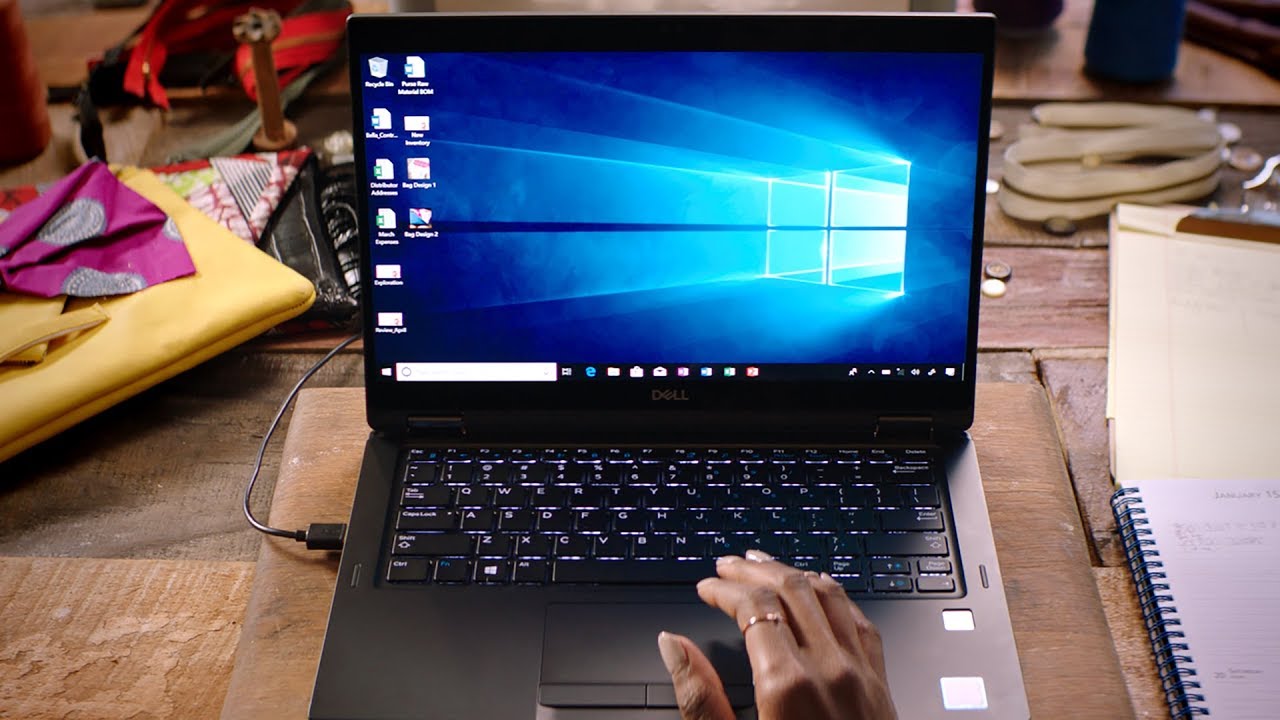
Sometimes, due to various reasons, you need to delete folders which may contain a large number of files from your Windows 10 PC, though using the file explorer can take your long time. The reason behind this is that during the process of deleting, Windows 10 needs to run calculations, analyse , and show updates as files and folders are deleted , something that generally takes times when deleting a large folder with thousands of files and subfolders. However, by using a few command lines, you can easily speed up the process just a few seconds. But the only warning is that you have to comfortable while using the command prompt option. Here we will discuss the fastest way to delete large folders with thousands of files by using the command lines and few instructions to add an option on the right-click context menu to automate the whole process with just one single click. The steps are discussed below: Steps to Quickly Delete a Large Folder by Using the Command Prompt ...